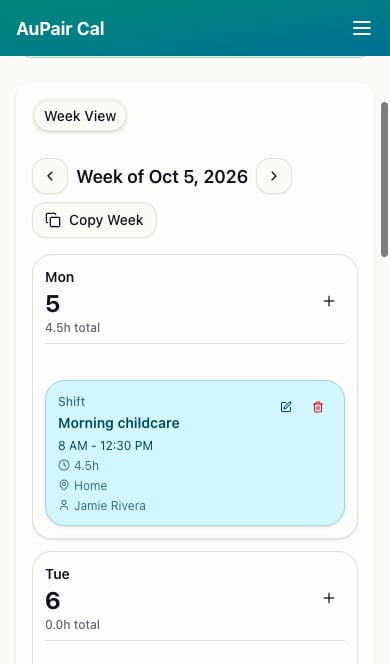
- Open the menu at the top right to reach Calendar, Family Dashboard, or Account.
- Use the arrows beside the week heading to move to the previous or next week.
- Scroll through the day cards to see entry names, times, locations, and assignments.
- Parents can use +, pencil, and trash controls to manage entries. Au pairs see a read-only schedule.