- On the welcome screen, choose Get Started.
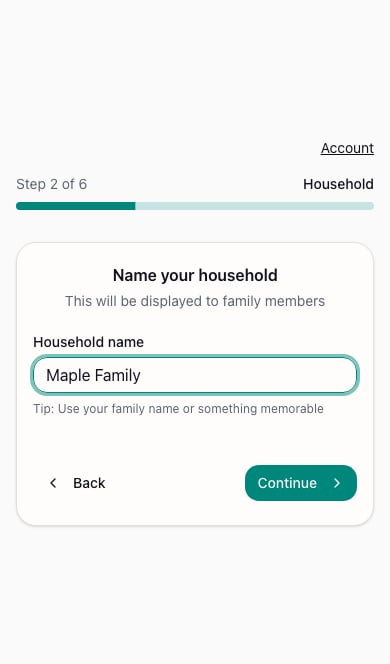
- Enter a Household name that your family will recognize, then choose Continue.
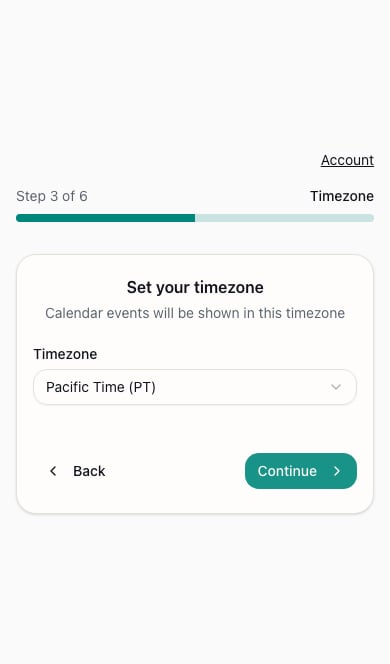
- Review the Timezone selection. Choose the timezone your household uses and continue.
- At Invite Family, add your partner or au pair, or skip and invite them later.
- Choose a schedule template or skip it.
- At the completion screen, choose Continue to Dashboard and activate your subscription if prompted.