

- Open Family Dashboard.
- Choose Invite User.
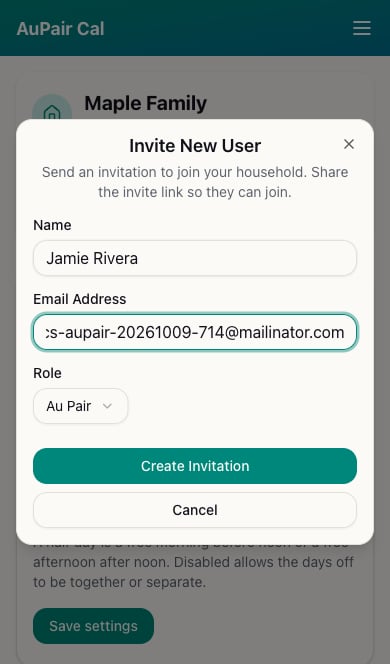
- Enter the person’s Name and Email Address.
- Choose Au Pair or Parent under Role.
- Choose Create Invitation.
- Share the invitation link from the confirmation screen if needed. The recipient uses it to join your household.
Check that they joined
Look for the member’s active status in Family Dashboard. An invitation alone does not mean they have joined.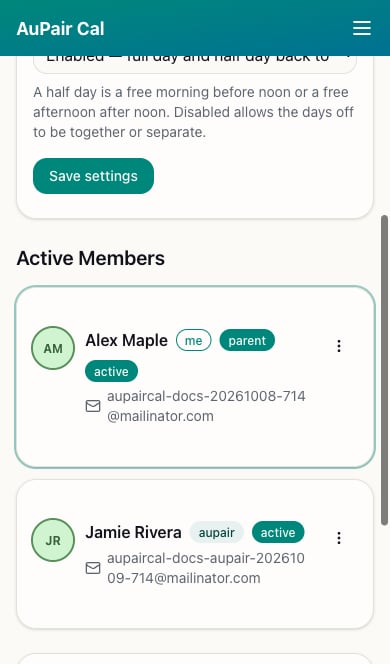
Treat invitation links as private. Send them only to the person joining your household.