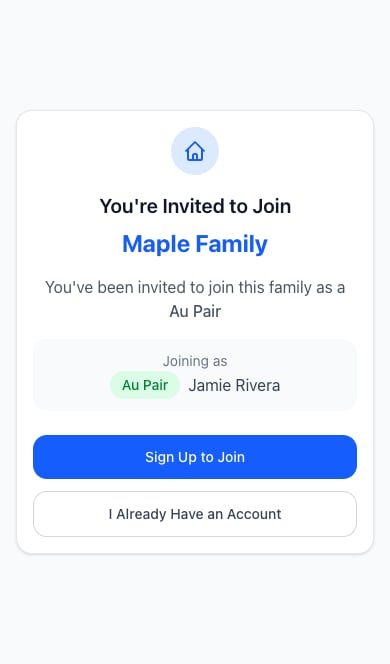
- Choose Sign Up to Join if you need an account, or I Already Have an Account to sign in.
- Use the email address your family invited.
- Once signed in, choose Accept & Join Family.
- Open the shared calendar. If the household is not yet activated, ask a parent to complete subscription setup.
What you’ll see as an au pair
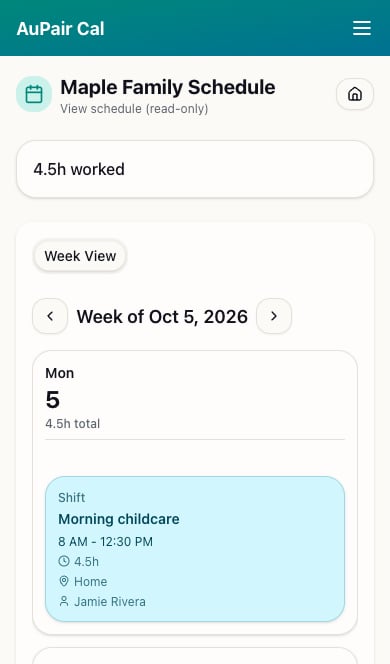
Your calendar says View schedule (read-only). You can navigate between weeks and read shift times and locations. Parents make schedule changes.