

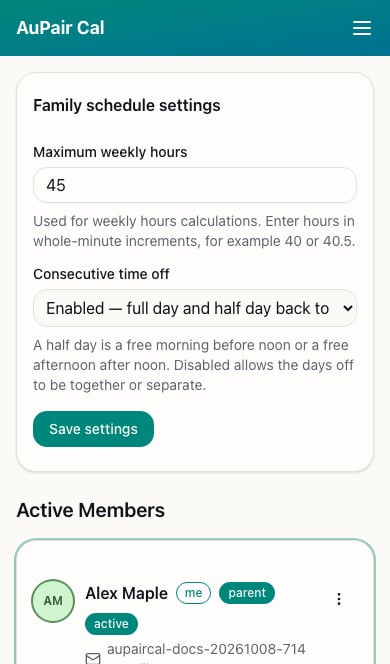
- Find Family schedule settings.
- Set Maximum weekly hours, such as
45or40.5. - Choose whether Consecutive time off is enabled or disabled.
- Choose Save settings and check for the saved confirmation.
- Return to Calendar to review the updated summaries.
Choose the time-off rule
- Enabled: the full day and half day of time off must be back to back. The calendar shows Max Continuous Time Off against the required duration.
- Disabled: the full day and half day can be together or separate within the week. A half day is a free morning before noon or a free afternoon after noon.