

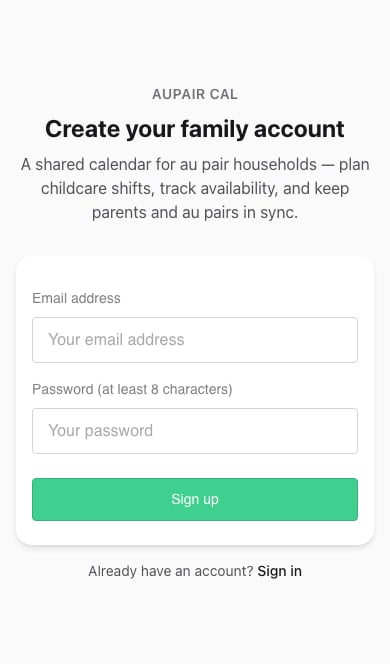
- Open Sign up.
- Enter your Email address and a Password with at least eight characters.
- Choose Sign up. If asked to confirm your email, follow the message in your inbox before continuing.
- Follow the household setup screens.
If a family member sent you an invitation, begin with that link. Follow Accept an invitation so your account joins the right household.